How to Clean a TV Screen Safely Without Scratches
Learn how to clean a flat screen TV safely without scratches, streaks, or permanent panel damage. Step-by-step guidance and safety tips from TVPro.
Table of Contents12 sections
- How to Clean a TV Screen Safely Without Scratches
- Why Safe TV Screen Cleaning Matters
- What You Should Never Use on a TV Screen
- The Safe Method: Step-by-Step
- How to Handle Fingerprints, Grease, and Stubborn Marks
- Special Situations: Kids, Pets, Moving, and Wall-Mounted TVs
- How TVPro Handy Services Helps
- FAQ
- How do I clean fingerprints from a TV screen?
- Can kids damage a TV screen by touching it?
- Can TVPro help make the TV safer around kids and pets?
- What is the best cloth for cleaning a TV?
How to Clean a TV Screen Safely Without Scratches
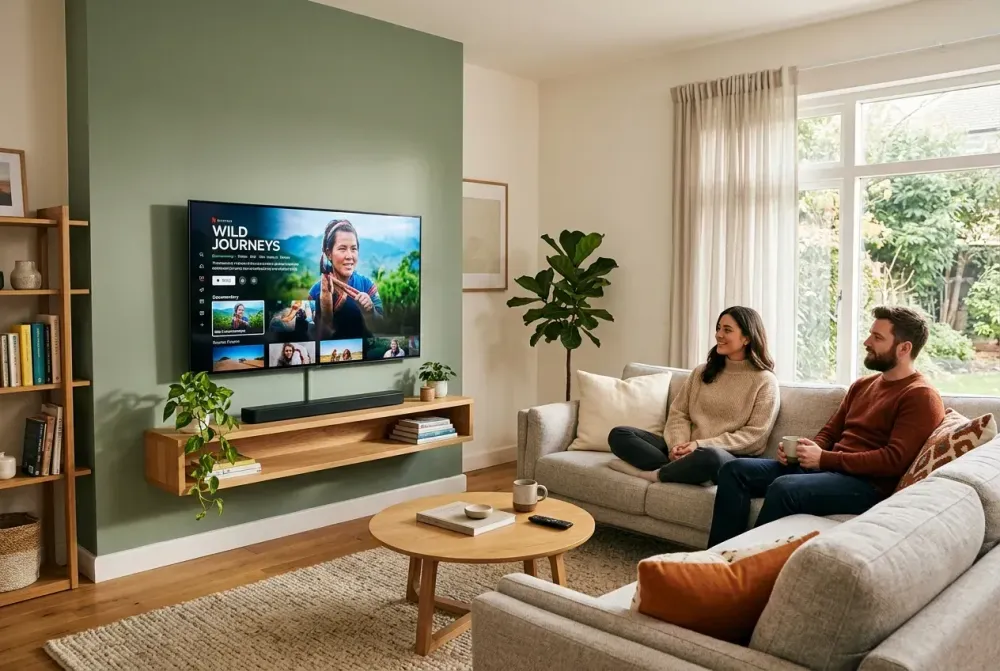
For most homes, the TV is the visual center of the living room, media space, or bedroom. But fingerprints, dust, pet hair, and smudge marks can quickly make even a premium, perfectly mounted television look dull.
Flat-screen TVs (OLED, QLED, LED, and LCD) are highly delicate. Cleaning them the wrong way can leave permanent scratches or strip away anti-glare screen coatings. This guide covers how to clean your screen safely, what products to avoid, and how to protect your setup.
️ Need a Cleaner, Safer TV Setup?
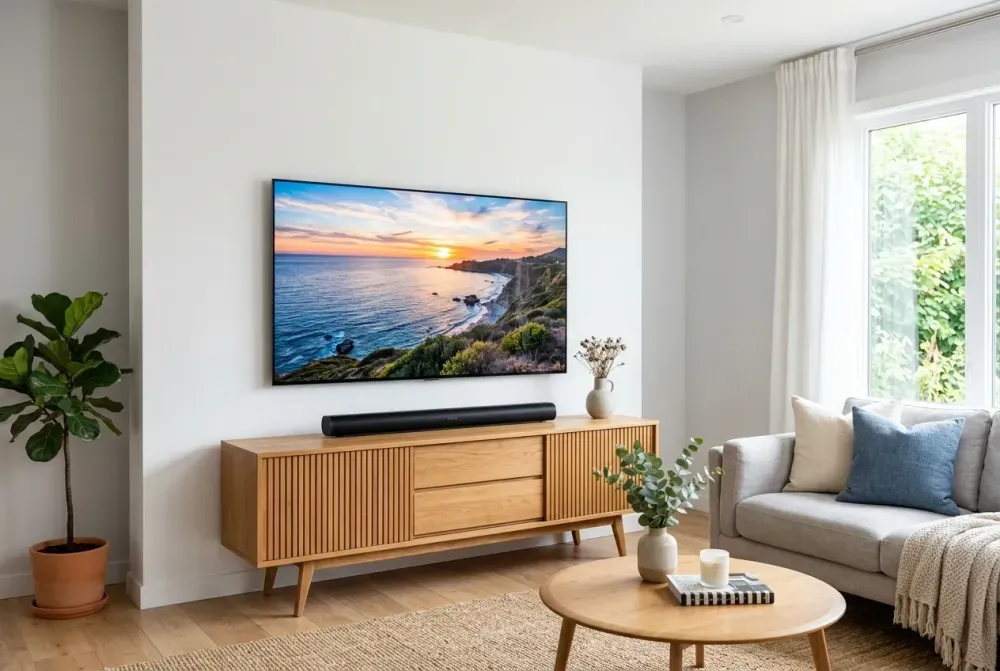
Want to make your TV setup look clean, hide all cables, or mount it securely? Our certified technicians handle wall mounting, wire concealment, and soundbar setup.
Why Safe TV Screen Cleaning Matters
A clean TV screen can change the way a room feels. Dust and grime can accumulate faster than you might think, especially if your TV is mounted near a fireplace, large window, or high-traffic family room. Wiping down the screen is a normal part of home maintenance, but flat screens require a gentle touch.
Ready for Professional Setup?
Get a free, no-obligation estimate from local certified technicians in the Greater Houston Area.
Unlike older glass CRT monitors, modern displays are made of delicate materials that can be easily scratched, bent, or chemically damaged. Cleaning it safely matters just as much as mounting it straight.
What You Should Never Use on a TV Screen
Do not use the same towel you use for floors, counters, dishes, or furniture. Tiny crumbs, grit, dried chemicals, or rough fibers can leave permanent scratches on OLED, QLED, LED, and LCD panels.
- No Harsh Chemicals: Do not use window cleaner, Windex, ammonia, alcohol sprays, acetone, or general household cleaners. These can strip the anti-glare coatings off the screen.
- No Direct Spraying: Never spray water or cleaning liquid directly on the screen. Liquid can easily drip down into the bezel and fry the internal electronics.
- No Heavy Pressure: Do not scrub or push hard against the panel. Flat screens are thin, and pressing too hard can damage the pixels behind the glass.
- No Dirty Cloths: Any grit or dried cleaner on the fabric can act like sandpaper on your screen.
The Safe Method: Step-by-Step
- Turn Off and Unplug the TV: Let the screen cool down completely. A dark, black screen also makes dust and fingerprints much easier to see.
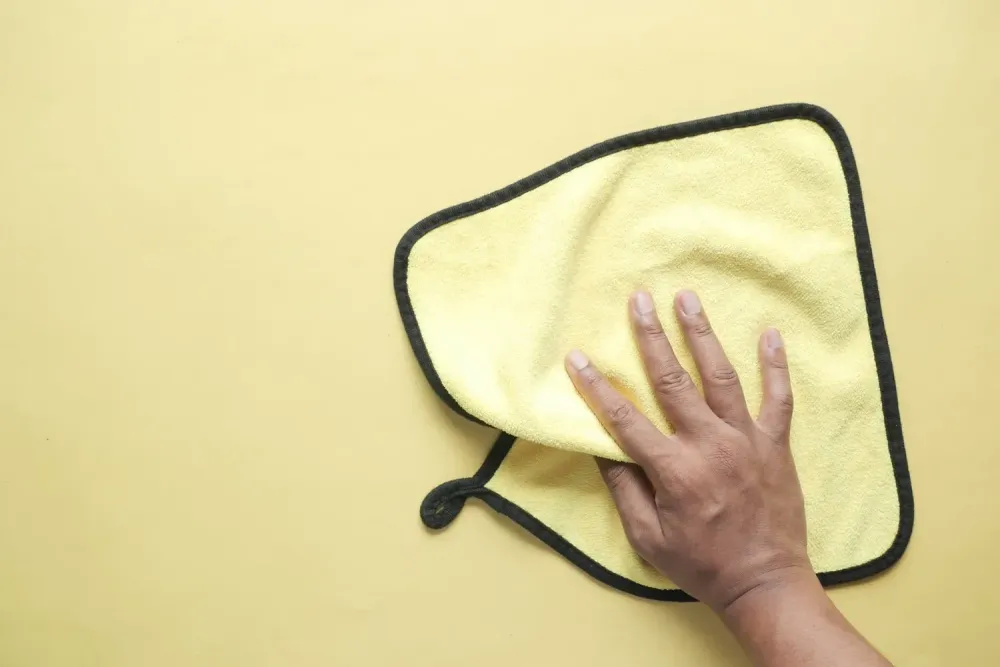
- Dust with a Dry Microfiber Cloth: Use a clean, lint-free microfiber cloth (like the ones used for eyeglasses or camera lenses). Gently wipe the screen in circular motions to lift loose dust.
- Use Distilled Water (Only If Needed): For stubborn smudges, slightly dampen the microfiber cloth with distilled water. The cloth should be barely damp, never wet or dripping. Tap water contains minerals that can leave white residue or scratches.
- Wipe Gently: Move the damp cloth slowly and softly. Do not apply pressure.
- Dry the Screen Fully: Use a dry section of the microfiber cloth to absorb any remaining moisture. Let it dry completely before plugging the TV back in.
Mounting Your TV Safely?
Pushing or wiping a TV that is on an unstable stand or poorly mounted mount can be dangerous. Let our pros secure your TV onto studs, brick, or concrete.
How to Handle Fingerprints, Grease, and Stubborn Marks
For oily fingerprints or sticky residue, try using specialty wipes explicitly designed for screens and monitors. If you have a premium anti-glare panel, an OLED TV, or a Samsung Frame TV, always check the manufacturer’s owner's manual before using any cleaning solution.
A safe, manufacturer-approved guideline for stubborn dirt (such as Panasonic's recommendation) is to mix a very weak neutral detergent solution: 1 part neutral dish soap to 100 parts distilled water. Dampen the cloth, wring it out completely so it is almost dry, wipe the spot gently, and then dry with a clean microfiber cloth.
Special Situations: Kids, Pets, Moving, and Wall-Mounted TVs
Homes with children and pets usually need more frequent screen care. Kids love touching the screen, pets leave hair floating around, and moving a TV always leaves fingerprints along the edges. Clean these marks gently.
For a wall-mounted TV, be careful when cleaning. Avoid pulling the screen forward unless you have a full-motion mount designed for that. If the TV is on a full-motion mount, support the TV frame or mount bracket with one hand while cleaning, rather than pushing directly against the screen. For fixed or tilt mounts, only clean what you can comfortably reach without applying force.
How TVPro Handy Services Helps
At TVPro Handy Services, we know that a clean screen goes hand-in-hand with a professional installation. We offer secure TV wall mounting, in-wall wire concealment, soundbar mounting, and fireplace setups. A perfectly mounted TV with hidden cables makes your entire space look clean, finished, and ready for your favorite shows.
Ready to Upgrade Your Space?
Let TVPro handle the heavy lifting. We mount screens of all sizes, organize cables, and configure premium sound systems.
FAQ
How do I clean fingerprints from a TV screen?
First, use a dry, clean microfiber cloth. If fingerprints remain, slightly dampen the cloth with a small amount of distilled water and wipe very gently.
Can kids damage a TV screen by touching it?
Yes. Fingerprints can be cleaned, but pushing hard on the screen or hitting it can permanently damage the pixels or crack the panel.
Can TVPro help make the TV safer around kids and pets?
Yes. Securely mounting your TV on the wall eliminates the risk of it tipping over or being knocked off a stand by children or pets.
What is the best cloth for cleaning a TV?
A clean, high-quality, lint-free microfiber cloth. Never use paper towels, tissues, or regular cotton shirts, which can cause scratches.