How to Stream the Super Bowl and Major Live Sports Without Cable: 2026-2027 TV Setup Guide
A practical guide to streaming live sports on Roku, Fire TV, smart TVs, Xfinity and DIRECTV, with network, Wi-Fi and picture setup tips.
Table of Contents17 sections
- How to Stream the Super Bowl and Major Live Sports Without Cable: 2026-2027 TV Setup Guide
- The Game Is Only as Good as the Setup
- Choose the Legal Viewing Source First
- Roku, Fire TV, Apple TV, and Smart TV Apps
- Use Ethernet When the Room Deserves It
- Picture Settings for Live Sports: 4K, HDR, and Motion Handling
- Audio Matters During Live Sports: Stadium Atmosphere at Home
- Multi-TV Sports Rooms and Media Walls
- Build Network Headroom Before Game Day
- The Pre-Game Day Checklist
- The TVPro Perspective
- FAQ
- Can I stream the Super Bowl for free?
- Is Wi-Fi fast enough for live 4K sports?
- Should motion smoothing be on or off for sports?
- Can TVPro install multiple TVs on one wall?
- Do I need a 120Hz TV for watching live sports?
How to Stream the Super Bowl and Major Live Sports Without Cable: 2026-2027 TV Setup Guide
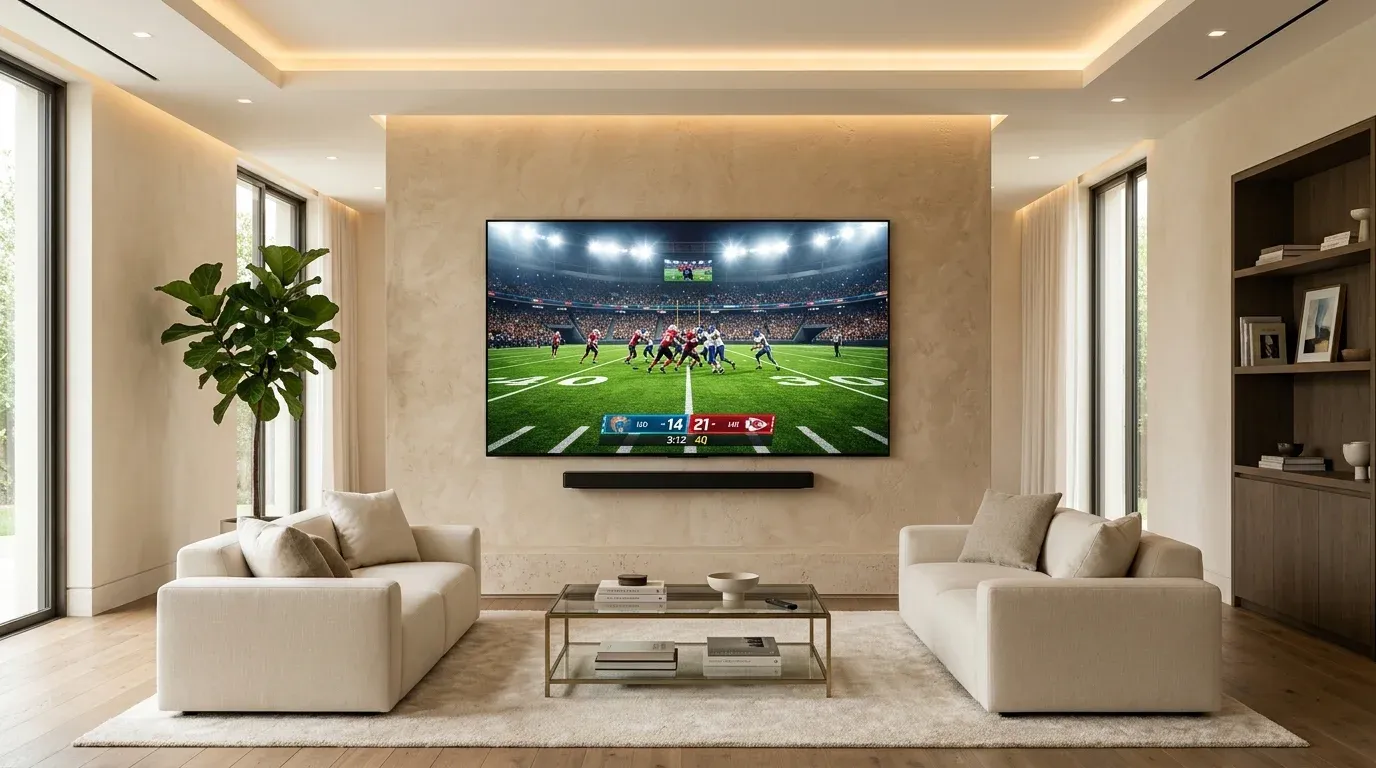
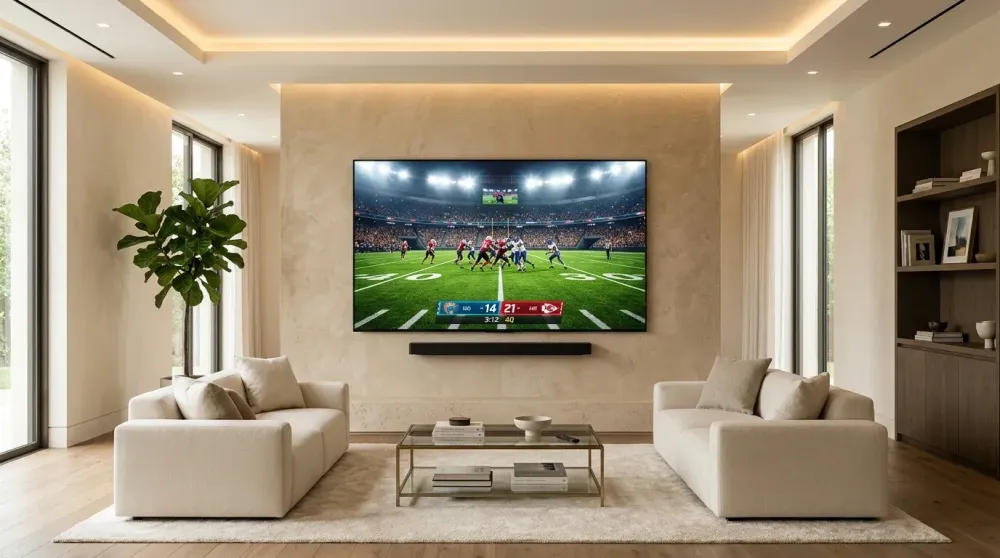
Suggested Alt Text: 85-inch 4k tv streaming live football in a modern luxury living room
The Game Is Only as Good as the Setup
A big game exposes every weak link in a home entertainment system: unstable Wi-Fi, a streaming stick buried behind a metal-backed TV, a soundbar on the wrong input, motion smoothing settings that make football look unnatural, or a TV mounted where half the room has a poor viewing angle.
Whether you are hosting a Super Bowl party, watching college football playoffs, or tracking Sunday NFL Ticket, the best live-sports experience starts well before kickoff. Getting your television mounted at the right angle, hardwiring your streaming connection, and tuning your display settings ensures you enjoy flawless action without buffering wheels or audio lag.
Ready for Professional Setup?
Get a free, no-obligation estimate from local certified technicians in the Greater Houston Area.
Choose the Legal Viewing Source First
Broadcast rights for major sporting events shift between networks and streaming platforms each season. The safest strategy is to verify the official broadcaster well in advance rather than relying on unofficial streams that often buffer or drop offline during high-traffic moments:
- Over-the-Air (OTA) HD Antenna: Provides uncompressed, zero-latency 1080p/4K local network broadcast signals (CBS, FOX, NBC, ABC) with no monthly fee.
- Live TV Streaming Services: Platforms like YouTube TV, Hulu + Live TV, Fubo, and Sling TV deliver full cable channel lineups over high-speed internet.
- Standalone Network Apps: Services such as Peacock, Paramount+, ESPN+, Amazon Prime Video, and Apple TV stream exclusive playoff games and Thursday Night Football.
- Provider Apps: DIRECTV Stream, Xfinity Stream, and Spectrum TV app allow cable subscribers to access live channels without leasing bulky set-top hardware.
Roku, Fire TV, Apple TV, and Smart TV Apps
Streaming devices offer fast interfaces and wide channel ecosystems, making them ideal for cutting the cord:
- Apple TV 4K: Top-tier processing power, zero menu lag, and support for high-frame-rate HDR sports broadcasts.
- Roku Ultra & Streaming Stick 4K: Simple, intuitive interface with quick search across multiple sports apps.
- Amazon Fire TV Stick 4K Max: Excellent Wi-Fi 6E connectivity and voice search integration.
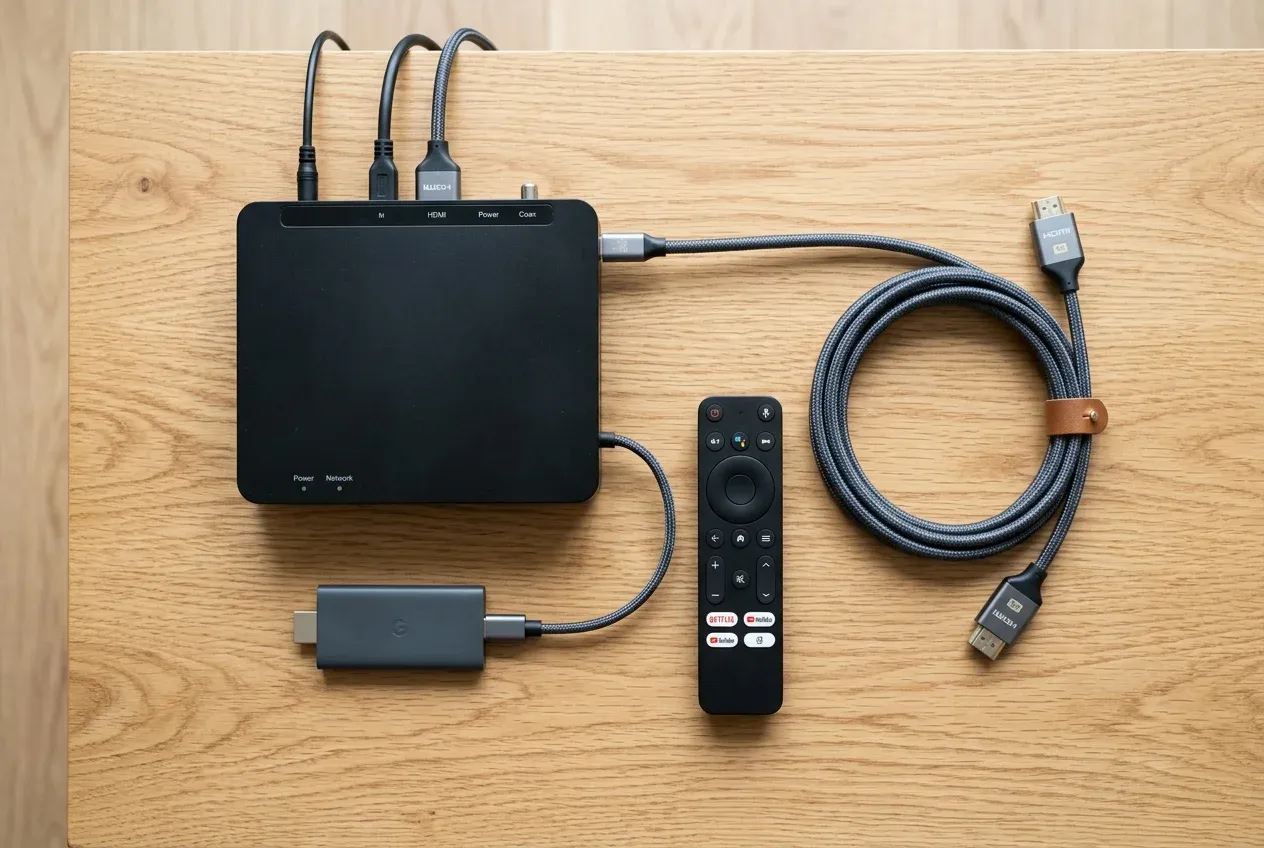
Suggested Alt Text: modern streaming media player with braided hdmi cable and remote organized neatly
Installation Tip: While compact streaming sticks easily tuck behind wall-mounted TVs, tight spaces between a flush mount and drywall can trap heat and degrade Wi-Fi reception. If mounting on masonry or inside a metal recessed media box, consider an HDMI extension cable to position the antenna where wireless signals stay strong.
Use Ethernet When the Room Deserves It
Live 4K sports streaming demands consistent, sustained throughput. While Wi-Fi might perform well for pre-recorded movies that buffer ahead of time, live sports streams cannot buffer minutes into the future.
For a primary living room, media room, or outdoor sports patio, hardwired Gigabit Ethernet eliminates wireless packet loss and interference. Routing Cat6 network cabling behind the wall to your Apple TV, smart TV, or Roku Ultra guarantees zero buffering during the game’s final drive.
Picture Settings for Live Sports: 4K, HDR, and Motion Handling
Factory TV presets are tuned for fluorescent showroom floors, often oversaturating turf and adding harsh edge sharpening. Use these adjustments for natural stadium realism:
- Start with a Balanced Preset: Select Standard, Cinema Home, or Sports mode, and dial down the aggressive contrast.
- Moderate Motion Smoothing: While high refresh rates (120Hz) clarify fast-moving footballs, excessive motion interpolation creates the artificial "soap opera effect" and weird halo artifacts around players. Set motion smoothing to Low or Custom (De-judder: 2–3, De-blur: 8–10).
- Enable Enhanced HDMI Formats: In your TV’s external input settings, confirm that HDMI ports are set to Enhanced Format or HDMI Ultra HD Deep Color so 4K HDR streams register properly.
- Calibrate for Room Lighting: If hosting a daytime game in a sunlit room, boost peak panel brightness and backlight without blowing out shadow details.
Audio Matters During Live Sports: Stadium Atmosphere at Home
Crisp commentary and roaring crowd ambiance turn a game into an event. Built-in TV speakers face backward or downward, muffling dialogue and producing tinny audio:
- Soundbar with Dedicated Center Channel: A 3.1 or 5.1 channel soundbar ensures referee announcements and commentators remain crystal clear over cheering crowds.
- HDMI eARC Connection: Connect via HDMI eARC to transmit uncompressed Dolby Atmos surround audio directly from your streaming apps.
- Subwoofer Placement: Place wireless subwoofers near front room corners to fill the room with deep, visceral stadium bass.
Multi-TV Sports Rooms and Media Walls
For dedicated sports enthusiasts, one screen isn’t always enough on game day. A multi-TV sports wall (2-TV, 4-TV, or 6-TV grid) lets you follow multiple games, fantasy stats, and social feeds simultaneously.
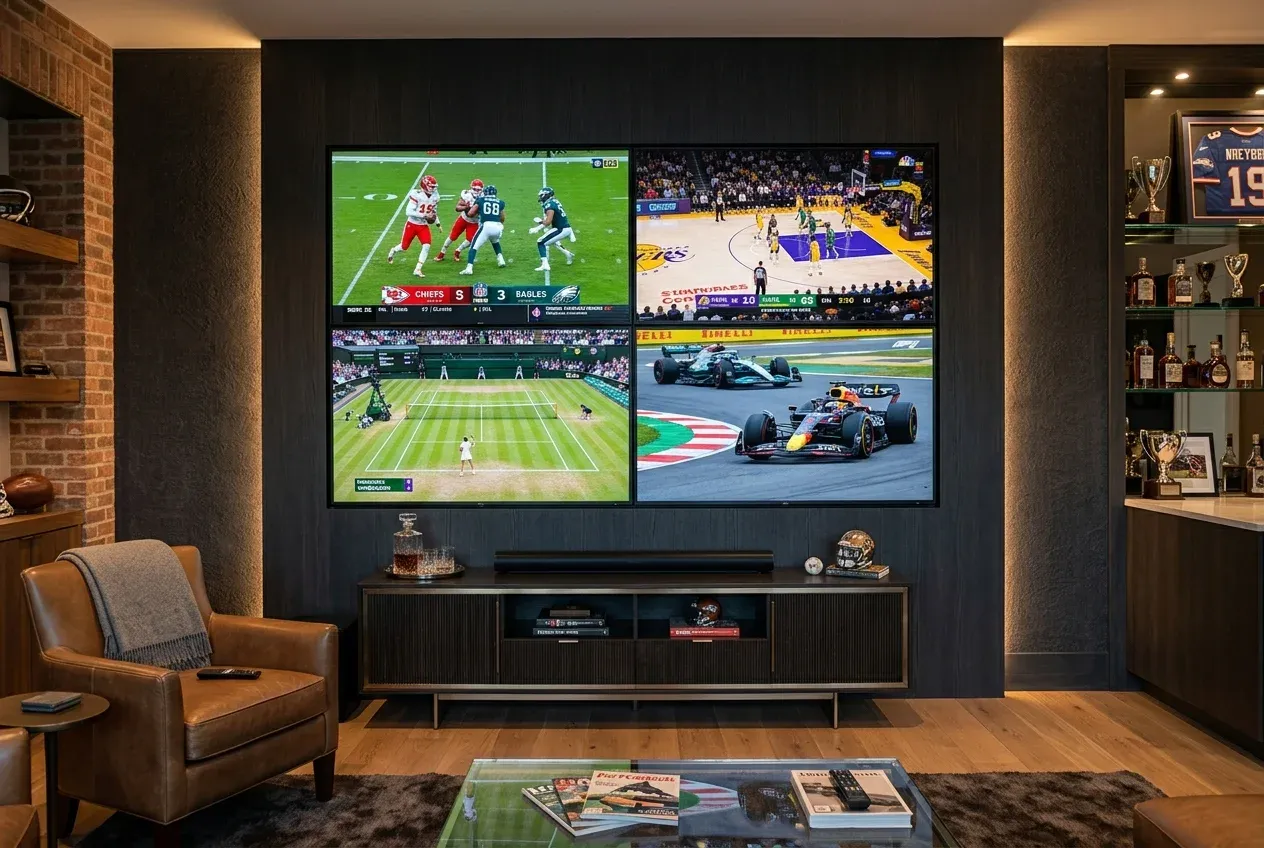
Suggested Alt Text: custom 4-tv video wall in modern home theater streaming multiple live sports broadcasts
Installing a multi-screen setup requires commercial-grade engineering:
- Millimeter Precision Alignment: Laser leveling and micro-adjustable commercial brackets ensure zero unsightly gaps between bezels.
- Distributed Audio Control: HDMI matrix switchers or zone audio selectors let you toggle commentary between any of the screens with a single tap.
- Dedicated Power and Data Infrastructure: Multi-display systems require recessed in-wall power outlets and multi-port Gigabit network switches to feed all screens cleanly without visible cords.
Build Network Headroom Before Game Day
A house full of guests means dozens of smartphones, tablets, and smart devices will share your home network during the party. Prevent bandwidth starvation with these simple steps:
- Set Up a Guest Wi-Fi Network: Separate visitor devices from your primary streaming bandwidth.
- Update Apps 24 Hours in Advance: Avoid mandatory app updates five minutes before kickoff by launching your sports apps the day before.
- Reboot Your Modem and Router: Clear network memory caches the morning of game day to ensure peak speeds.
The Pre-Game Day Checklist
Before guests arrive, run through this quick checklist:
- [ ] Confirmed kickoff time, channel, and streaming subscription credentials.
- [ ] Verified TV and soundbar power on together using a single remote (HDMI-CEC enabled).
- [ ] Cleaned screen surface with a dry microfiber cloth to eliminate dust and fingerprints.
- [ ] Checked full-motion mount swivel angles so every seat has a clear line of sight.
- [ ] Tested live 4K stream for at least 15 minutes to confirm stable network playback.
The TVPro Perspective
Watching sports should be thrilling, not frustrating. TVPro designs and installs sports-ready TV setups that combine precision wall mounting, acoustic soundbar integration, recessed media boxes, in-wall cable concealment, and rock-solid network cabling.
Whether you're mounting an 85-inch screen above a fireplace or building a full 4-TV sports den, TVPro delivers a clean, professional finish backed by a 5-year workmanship warranty.
️ Building the Ultimate Sports Room?
Looking for clean TV mounting, multi-screen sports walls, soundbar integration, and 100% hidden wires? TVPro delivers certified installations with same-day appointments available.
FAQ
Can I stream the Super Bowl for free?
Yes, depending on the broadcast network holding the rights for that season, games broadcast on CBS (Paramount+), FOX, NBC (Peacock), or ABC/ESPN are often accessible via free over-the-air antennas or trial streaming subscriptions.
Is Wi-Fi fast enough for live 4K sports?
Yes, provided your TV receives at least 25–50 Mbps of consistent wireless throughput. However, hardwired Ethernet remains the gold standard to prevent packet drops during peak network congestion.
Should motion smoothing be on or off for sports?
Unlike movies—where motion smoothing should always be turned off—live sports benefit from mild motion compensation (De-blur). Avoid aggressive presets that create ghosting or weird visual artifacts around footballs.
Can TVPro install multiple TVs on one wall?
Yes! TVPro specializes in 2-TV, 4-TV, and 6-TV sports walls with laser-aligned commercial brackets, centralized wire concealment, and unified multi-source audio control.
Do I need a 120Hz TV for watching live sports?
While most cable and streaming broadcasts output at 60Hz, a native 120Hz panel handles fast camera pans with reduced motion blur and improves image processing clarity.