How to Safely Dismount Your TV: Step-by-Step Guide
Learn how to safely remove a TV from a wall mount, release locking mechanisms, remove wall plates, and prepare walls for remounting or relocation.
Table of Contents16 sections
- How to Safely Dismount Your TV: Step-by-Step Guide
- Before You Start & Why Safety Matters
- Pre-Dismount Checklist:
- Step-by-Step TV Dismount Process
- 1. Power Down and Disconnect Everything
- 2. Release the Locking Mechanism
- 3. Lift with a Helper and Support the Screen
- Finish the Dismount the Right Way
- 4. Remove the Mounting Rails from the Back of the TV
- 5. Take the Wall Plate Down Carefully
- 6. Inspect, Patch, and Plan the Next Step
- Summary: The TVPro Standard
- FAQ
- Can one person dismount a TV safely?
- How do I unlock a TV from a wall mount?
- Can TVPro remove an old wall mount and patch the wall?
How to Safely Dismount Your TV: Step-by-Step Guide
There are plenty of reasons you might need to take your TV off the wall. You could be remodeling, upgrading to a larger screen, moving your TV to a new room, replacing an old mount, repainting, or preparing for a TV dismount and remount. Whatever the reason, knowing how to safely remove a TV from a wall mount is essential to protect your screen, your wall, and—most importantly—you.
If you'd rather leave it to the pros, TVPro offers a professional TV mounting service handled by trained technicians.
Before You Start & Why Safety Matters
Taking a few extra minutes to prepare will make the process smoother and safer from start to finish. A careful TV dismount protects your investment, prevents damage to your wall and electronics, and helps avoid personal injury.
Ready for Professional Setup?
Get a free, no-obligation estimate from local certified technicians in the Greater Houston Area.
Pre-Dismount Checklist:
- Power off all connected devices and unplug the main power cord.
- Unplug all cables (HDMI, audio, internet cables, streaming devices, and gaming consoles).
- Have a second person assist you—most TVs should never be dismounted solo.
- Prepare a soft blanket or padded surface to place the TV face-down on.
- Keep basic tools nearby (screwdrivers, hex keys, or socket wrenches).
- Take a quick photo of cable connections before disconnecting them to make reassembly effortless.
Step-by-Step TV Dismount Process
1. Power Down and Disconnect Everything
Before touching the mount, power off the TV and unplug the power cord from the wall. Disconnect all HDMI cables, optical audio wires, streaming boxes (Roku, Apple TV), soundbars, and gaming consoles.
Take a quick reference photo of your cable connections so you can easily restore everything later. This small step makes a future TV dismount and remount much easier.
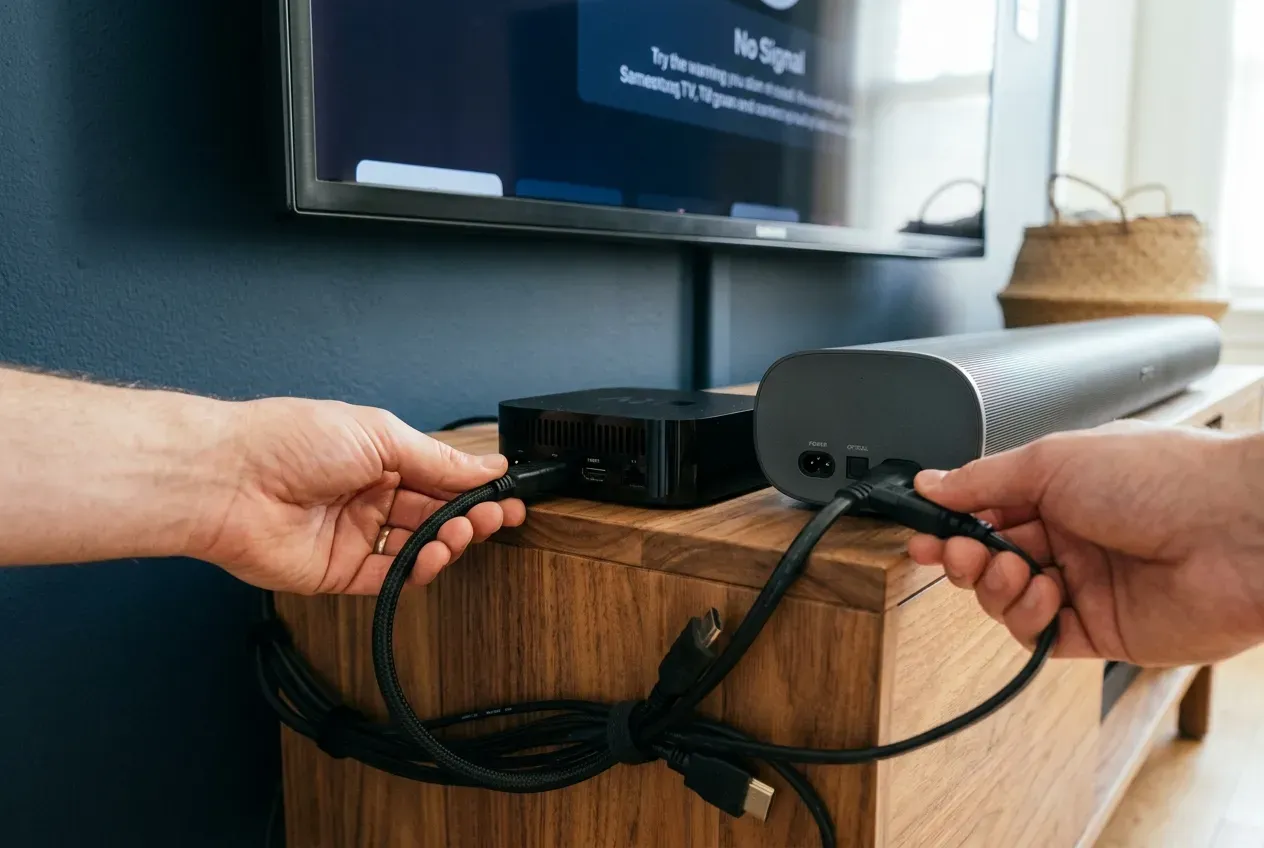
Suggested Alt Text: Disconnecting HDMI and power cables from media devices on a console below a TV
2. Release the Locking Mechanism
Many mounts use safety screws, spring locks, pull strings, or locking bars to keep the TV secure on the wall bracket plate.
Check your mount manual and release the locking mechanism before lifting the screen. Never force the TV—proper release prevents damage to the mount, wall, and the screen.
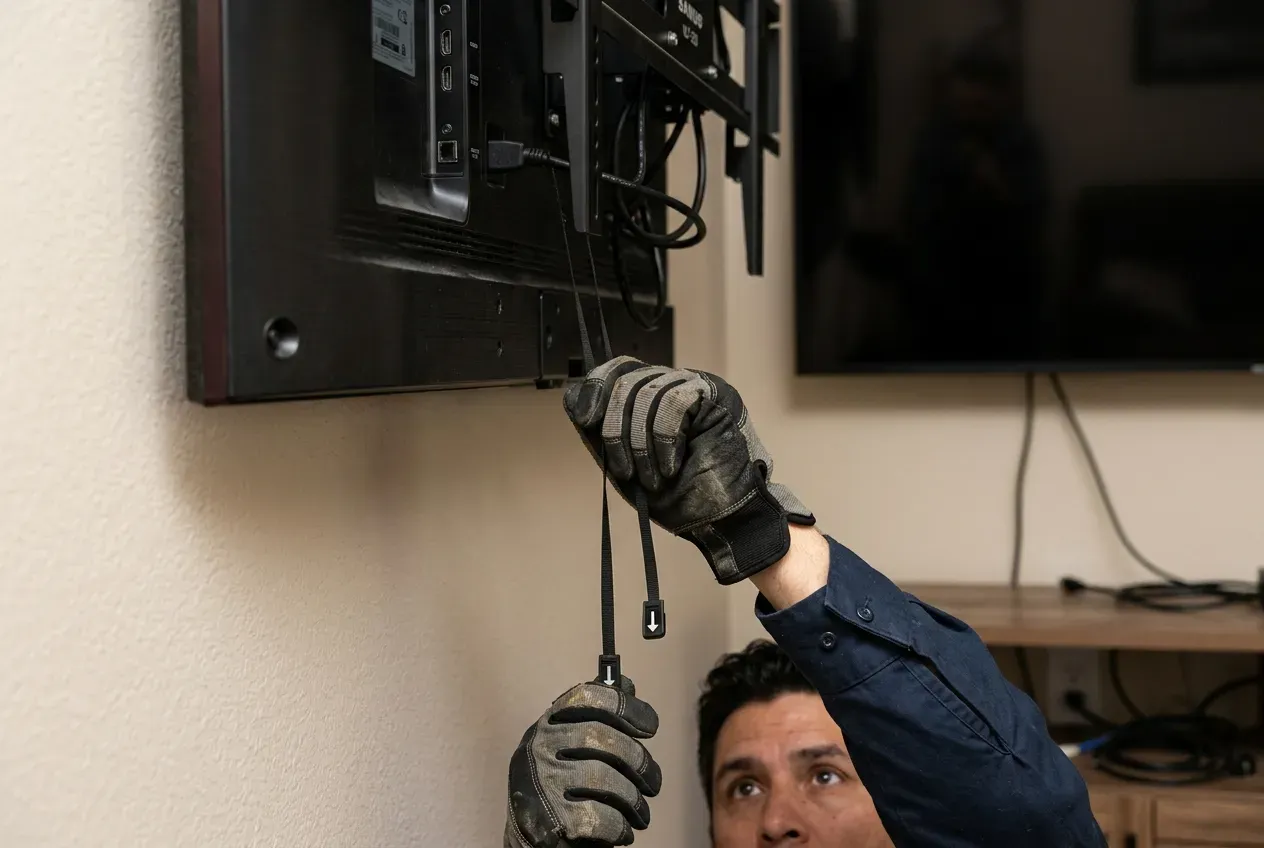
Suggested Alt Text: Reaching under a wall-mounted TV to pull down the safety spring release cords
💡 TVPro Tip
If the mount feels stuck, stop and inspect the lock. Forcing the screen can damage the bracket, the wall, or the TV panel.
3. Lift with a Helper and Support the Screen
Most TVs should be lifted by two people—especially larger screens (55", 65", 75", 85"+). Keep one person on each side, lift up gently to clear the mounting bracket hooks, and pull the TV straight off the wall.
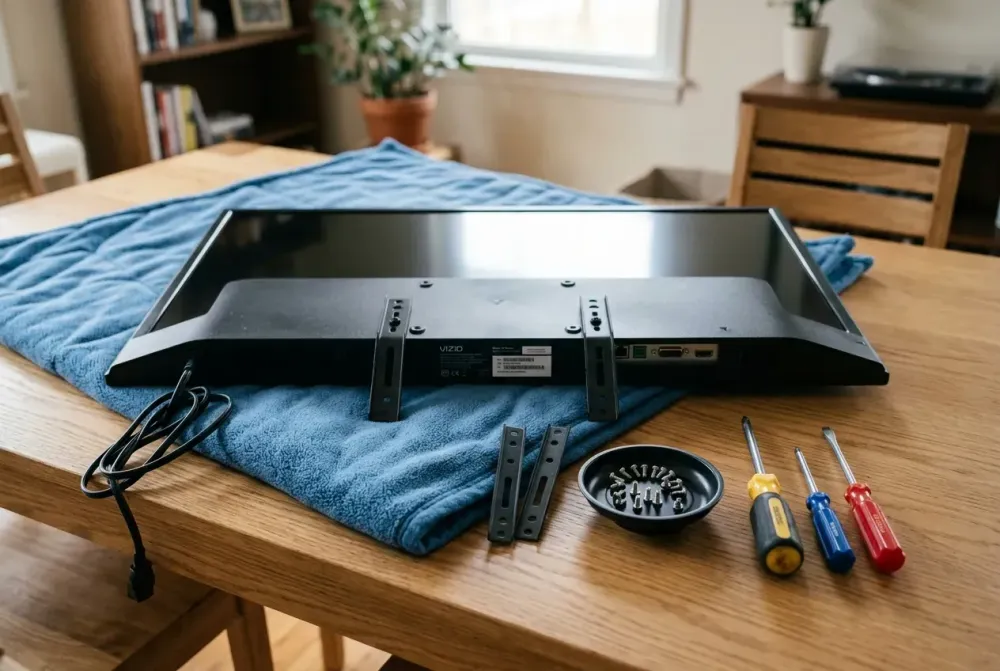
Place the screen face-down on a soft blanket or padded surface to protect the glass panel from scratches or uneven pressure.
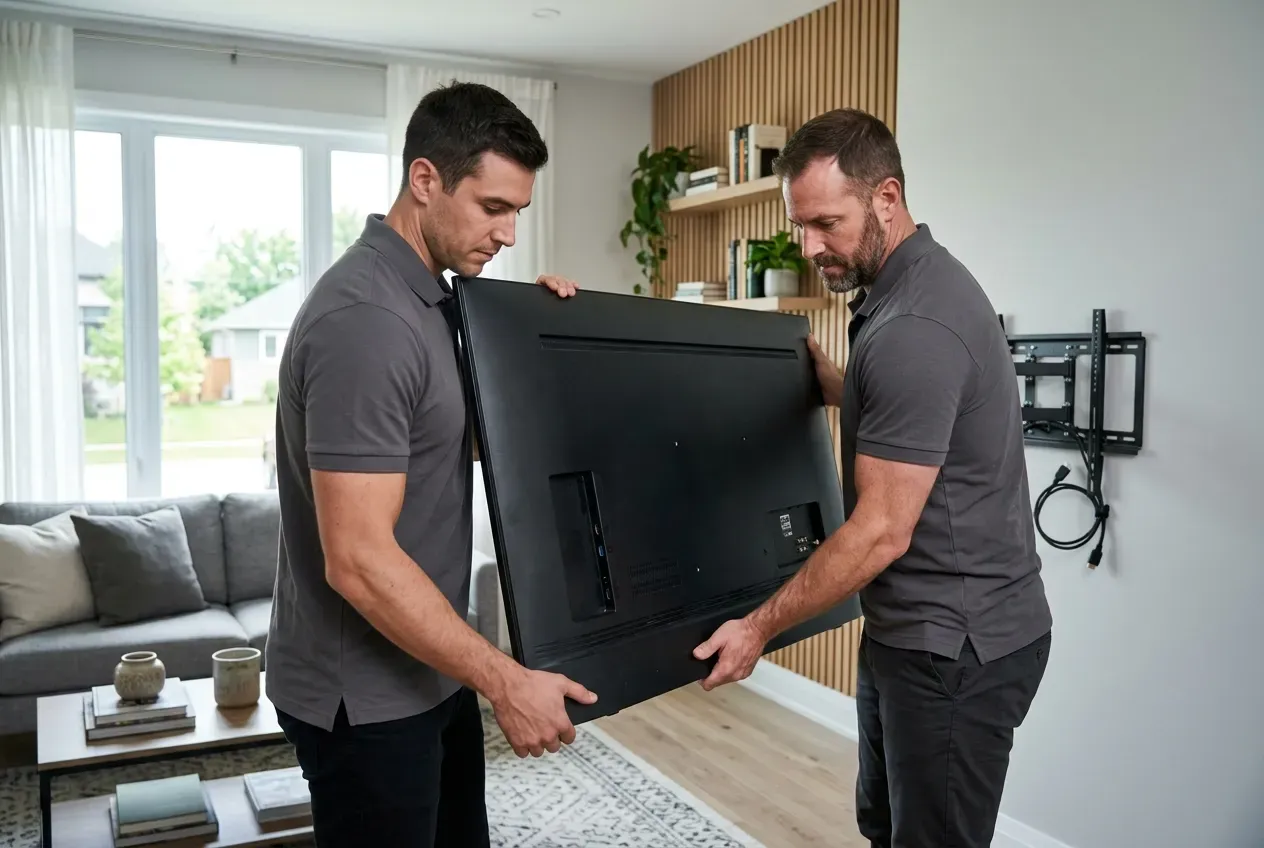
Suggested Alt Text: Two technicians carefully lifting a large TV off a wall mount bracket
Finish the Dismount the Right Way
4. Remove the Mounting Rails from the Back of the TV
Once the TV is resting safely on a padded surface, the vertical rails or bracket arms can be removed from the back panel. Use the correct screwdriver or hex tool to take out the VESA screws and lift off the rails.
Keep all hardware together in a labeled bag so you'll have everything you need if the TV goes back up later.
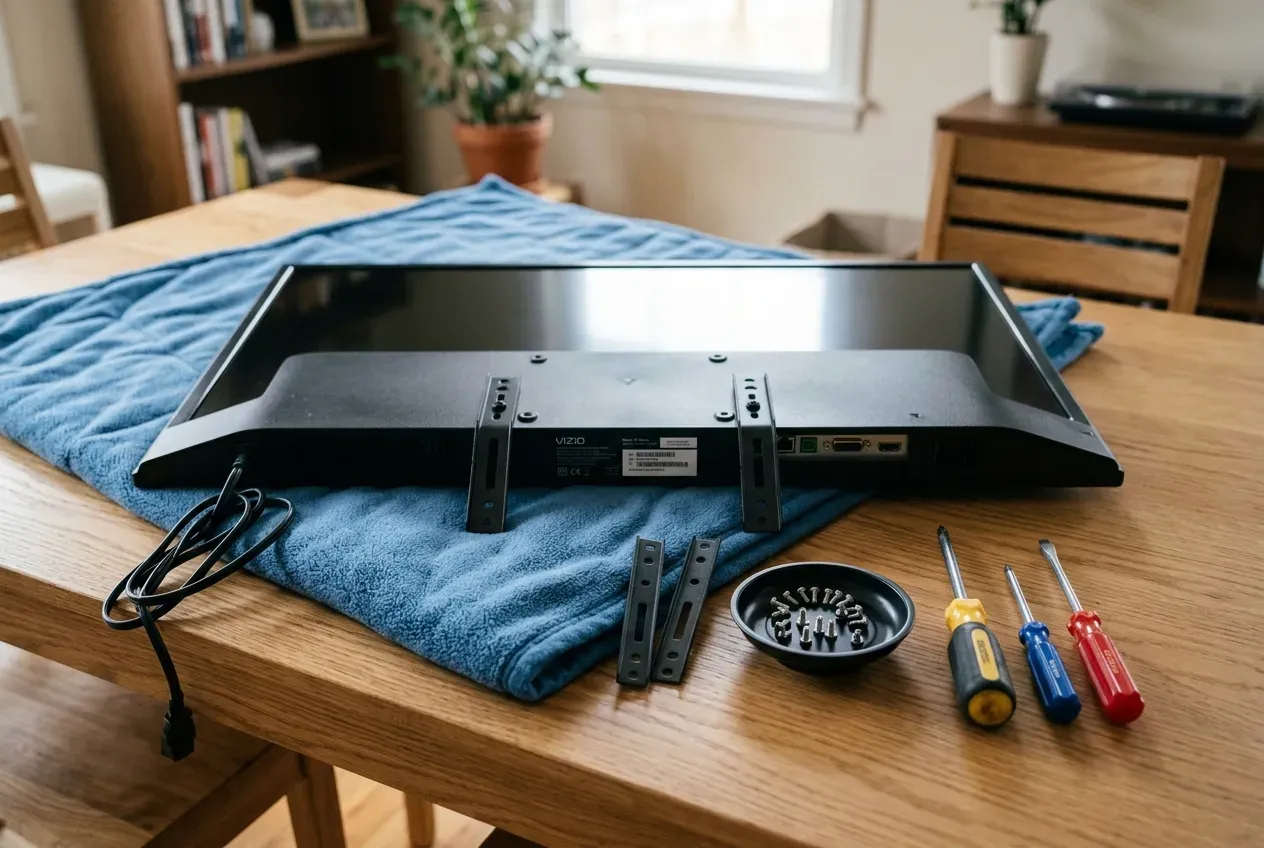
Suggested Alt Text: Flat-screen TV placed face-down on a padded surface for bracket rail removal
5. Take the Wall Plate Down Carefully
If the mount will not be reused in the same spot, the wall plate can be removed from the studs or anchors. Support the plate while loosening the lag bolts to keep it from falling or scratching the wall.
As you remove each bolt, keep track of lag bolts, washers, and anchors so none get lost for future projects.
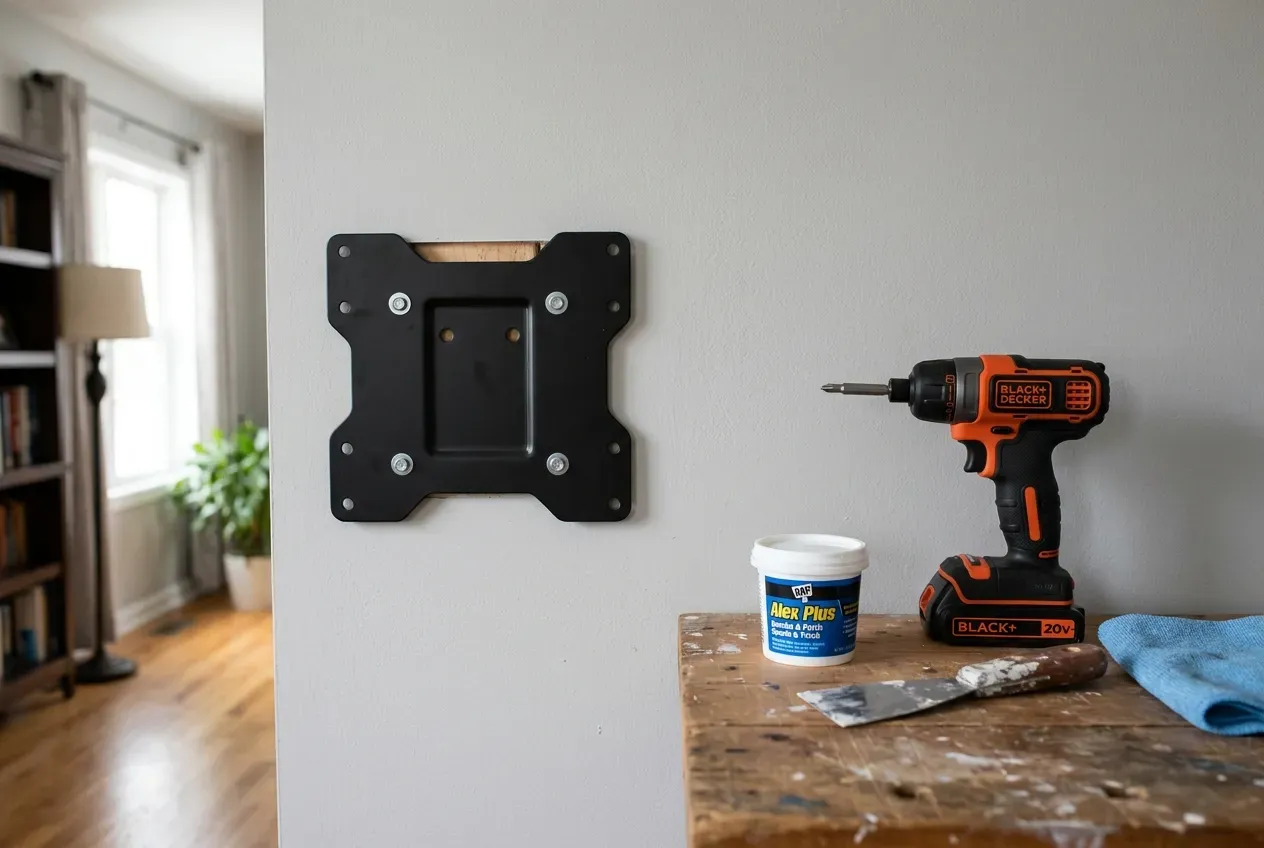
Suggested Alt Text: Removing a metal TV wall mount plate from drywall with tools ready for wall prep
6. Inspect, Patch, and Plan the Next Step
After removal, check the wall for damage, old anchors, dust, and any spots that may need a touch-up. Fill holes with spackle, smooth the surface, and clean the area as needed.
This is also the right moment to decide whether you'll repaint, relocate the TV, or bring in a professional for a TV dismount and remount service.
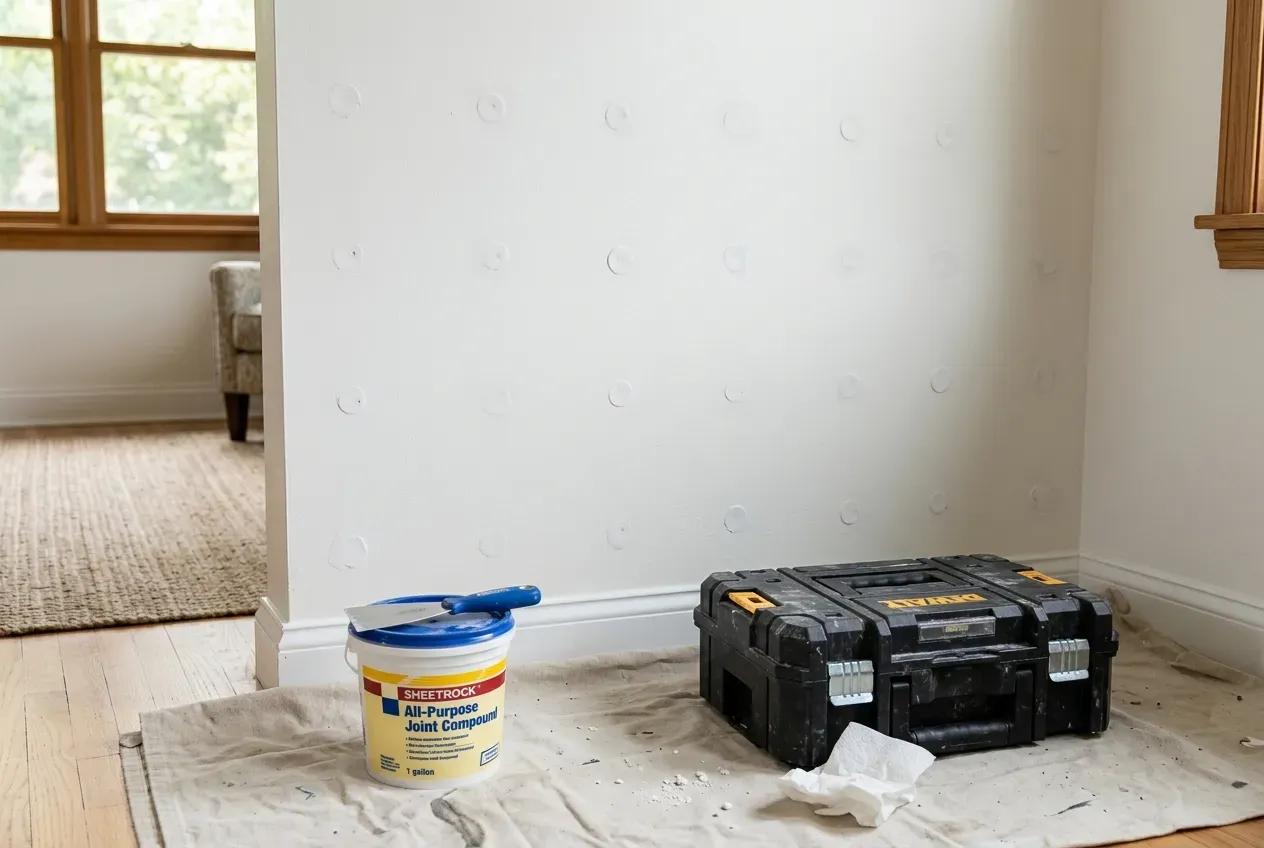
Suggested Alt Text: Drywall wall prepped and patched with joint compound and tools ready on the floor
Summary: The TVPro Standard
A successful TV dismount is about more than taking the screen down—it's about protecting your investment, your wall, and the people handling the job. With the right tools, a careful approach, and a little preparation, you can avoid damage and keep your space looking its best.
Whether you're moving, upgrading, or redesigning, TVPro is here to help with TV dismounts, TV dismount and remounts, wall mount removal, Frame TV relocation, and professional TV mounting service.
⚠️ Need Help Dismounting or Relocating a TV?
TVPro handles clean, safe TV dismounts, remounts, wall prep, and Frame TV relocations for homeowners who prefer a professional result.
FAQ
Can one person dismount a TV safely?
For small TVs (under 40 inches), one person may handle it. However, for medium to large TVs (50 inches and above), dismounting requires two people to prevent drops, panel twisting, or injury.
How do I unlock a TV from a wall mount?
Check the bottom of the TV bracket behind the screen. Look for pull strings, safety screws, or a slide-in locking bar. Pull the strings downward or unscrew safety bolts before lifting the TV up and off the mount.
Can TVPro remove an old wall mount and patch the wall?
Yes! TVPro offers complete TV dismount, wall mount removal, wire cleanup, and wall preparation services so your wall is left clean and smooth.